"Inbox Zero" is a methodology for email: process everything, keep nothing in the inbox, archive aggressively. The same principle applies to knowledge management — but most tools get it backwards. They ask you to file, tag, and organize every note into a hierarchy before it is useful. Glassy flips this: capture instantly, organize never, search by meaning when you need it.
The organizational tax
Every knowledge tool asks you to make decisions before you can save something:
- Which notebook does this go in?
- What tags should I use?
- Which folder?
- Is this a task, a note, or a reference?
- Should I link it to other notes?
Each decision is a micro-friction. For neurodivergent brains — especially ADHD — this "organizational tax" is enough to prevent capture entirely. The thought is lost before it is saved. See our post on why streaks are hostile and our sensory-friendly UI checklist for more on reducing cognitive load.
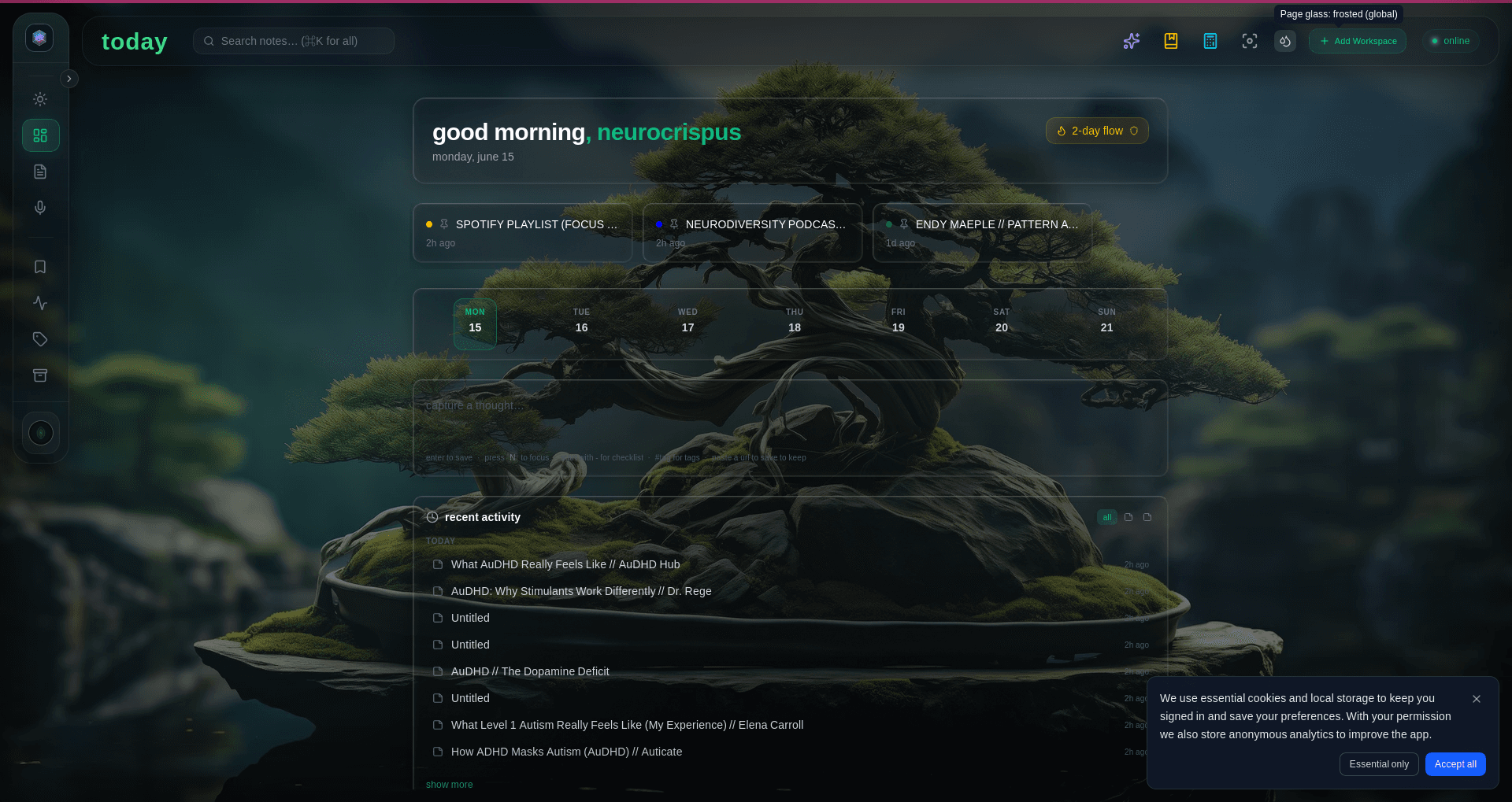
The Glassy approach: capture first, organize never
Glassy's workflow is deliberately minimal:
- Capture — One shortcut, one click, one voice memo. No folder prompt. No tag required. The content is saved as Markdown instantly. See the browser extension and Voice Studio.
- Auto-tag — AI assigns tags automatically based on content. You can edit them later, but you do not have to. Tags are suggestions, not requirements.
- Index — Every capture is indexed with hybrid search — BM25 for keywords, vector embeddings for semantic matching. The index builds itself.
- Search — When you need information, search by meaning. "What do I know about authentication patterns?" returns relevant notes regardless of what tags or folders they are in.
- Query — Or ask an AI agent. Connect Claude Desktop, Cursor, Windsurf, OpenCode, Hermes, Openclaw, Pi, or any MCP-compatible client via MCP and query your entire corpus in natural language.
Why this works
The traditional approach assumes that organization is a prerequisite for retrieval. If you want to find something later, you must categorize it now. This was true in the era of filing cabinets. It is not true in the era of semantic search.
Hybrid search makes organization optional. Vector embeddings capture the meaning of each note. When you search, the system finds conceptually related content regardless of where it is stored or what tags it has. The index replaces the folder structure. The search bar replaces the filing system.
When you do want organization
Glassy does not prevent organization. It makes it optional. If you want to tag notes, you can. If you want to use Obsidian's folder structure, Glassy syncs with it — see our migration guide. If you want to create collections or pin important notes, you can. The point is that organization is a post-hoc activity, not a prerequisite for capture.
The Second Brain, simplified
The "Second Brain" methodology (see our post on what the Second Brain is) popularized the CODE framework: Capture, Organize, Distill, Express. Glassy automates the first two steps:
- Capture — Automated via browser extension, voice, RSS, and Obsidian sync.
- Organize — Automated via AI auto-tagging and hybrid search indexing.
- Distill — Semi-automated via local AI (summarize, extract key points) and MCP queries (ask Claude to synthesize across notes).
- Express — You still do this part. But when you sit down to write, your entire corpus is one query away.
The result
Your knowledge base grows without effort. Every web page you save, every lecture you record, every note you type, every RSS article that arrives — it all flows into the same searchable corpus. No filing. No tagging. No daily review. No guilt about unprocessed notes. When you need something, you search or ask. The system finds it.
This is inbox-zero for knowledge management: the inbox is not empty because you processed everything. It is empty because there is no inbox. Everything is already indexed and searchable. The capture loop is closed.