Evernote was the first note-taking app that mattered. It pioneered web clipping, cross-device sync, and OCR for handwritten notes. For a decade, it was the default. But the world changed. AI happened. MCP happened. Browser-based local compute happened. Evernote did not. Here is an honest comparison for anyone considering switching in 2026. For a broader comparison, see our Glassy vs Evernote page.
Where Evernote still wins
Credit where it is due. Evernote has features that Glassy does not:
- Mature OCR — Evernote's image OCR is battle-tested. Photograph a whiteboard or receipt and the text is searchable. Glassy does not do OCR on images.
- Email integration — Forward emails to your Evernote address and they become notes. Glassy does not have this.
- Document scanning — Evernote's mobile scanner is polished, with edge detection and perspective correction.
- 15 years of muscle memory — If you have 10,000 notes in Evernote, switching has a real cost.
Where Glassy pulls ahead
AI-native search
Evernote search is keyword-only. Type a word, get notes containing that word. Glassy runs hybrid search — BM25 keyword matching plus vector semantic search fused with Reciprocal Rank Fusion. Ask "what do I know about attention mechanisms?" and Glassy finds notes about transformers even if the word "attention" never appears. Evernote cannot do this.
MCP integration
Glassy exposes your knowledge base to AI agents via the Model Context Protocol. Ask Claude Desktop, Cursor, Windsurf, OpenCode, Hermes, Openclaw, Pi, or any MCP-compatible AI agent about your notes and get answers with citations. Evernote has no MCP server, no agent integration, and no announced plans for one.
Local AI
Glassy runs AI models in your browser via WebGPU — Qwen 2.5 for text generation, Whisper for transcription, mxbai/MiniLM for embeddings. No API keys, no cloud calls, no per-query cost. See local AI vs cloud AI. Evernote's AI features (when they exist) are cloud-based and metered.
Browser extension capture
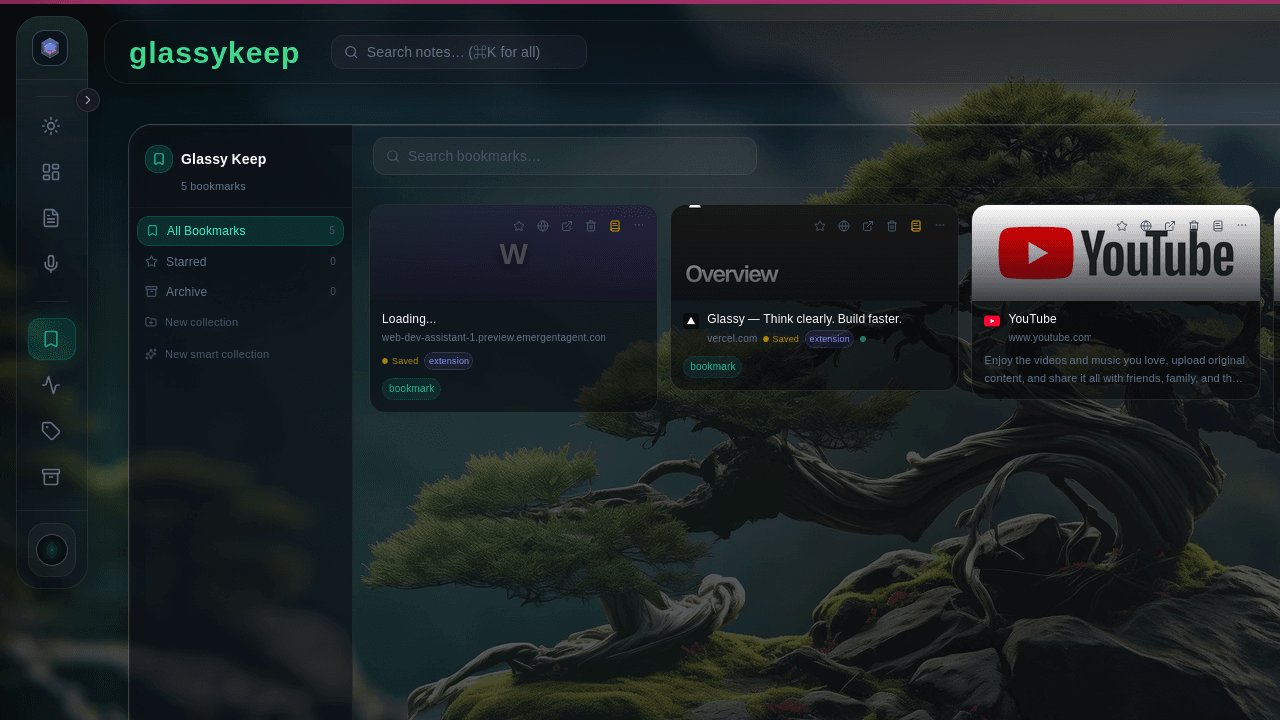
Glassy's browser extension captures eight content types — articles, videos with transcripts, GitHub repos, research papers, products, highlights, screenshots, and bookmarks — each as structured Markdown. Evernote Web Clipper captures articles and bookmarks. The depth of extraction is not comparable. See our extension comparison.
Markdown, not proprietary format
Glassy stores everything as Markdown. Your notes are plain text files that any editor can open. Evernote stores notes in a proprietary database format. Exporting to Markdown is possible but lossy — formatting, attachments, and metadata degrade. See Markdown vs Notion: the lock-in question — the same argument applies to Evernote.
Obsidian sync
Glassy syncs bidirectionally with Obsidian vaults. If you use Obsidian, Glassy adds web access, AI search, and MCP integration without leaving the vault. See our migration guide. Evernote has no Obsidian integration.
Self-hosting
Glassy runs as a single Docker image. Your notes, your server, your database. See our self-hosting guide. Evernote is cloud-only. There is no self-hosted option.
Privacy by architecture
Glassy is powered by AI models running locally in the app and on your hardware, meaning your data is stored on your device. Embeddings are generated in-browser. Transcription runs locally. See privacy-first AI in practice. Evernote's AI features require sending your content to their servers.
Feature comparison
| Feature | Evernote | Glassy |
|---|---|---|
| Search type | Keyword only | Hybrid (BM25 + vector) |
| MCP / agent integration | No | Yes (41 tools) |
| Local AI | No | WebGPU (Qwen, Whisper, mxbai) |
| Browser extension capture types | 3 (article, bookmark, screenshot) | 8 |
| Note format | Proprietary | Markdown |
| Obsidian sync | No | Yes (bidirectional) |
| Self-hosting | No | Docker |
| OCR | Yes (mature) | No |
| Email-to-note | Yes | No |
| Free tier | 50 notes/month | 10MB, 120 MCP/hr |
Should you switch?
Stay with Evernote if: You rely on OCR for scanned documents, you forward emails to your note app constantly, and you do not care about AI agents or semantic search.
Switch to Glassy if: You want to ask AI agents about your notes, you want semantic search that finds meaning not just keywords, you want browser-based capture that extracts structured content, you want Markdown portability, or you want to self-host.
You can also use both. Export your Evernote notes as Markdown and import them into Glassy. The research capture loop works with any Markdown content, regardless of where it originated.