The Model Context Protocol (MCP) is an open standard that lets AI agents query external tools and data sources. Glassy ships with a built-in MCP server that exposes your knowledge base to Claude, Cursor, Windsurf, OpenCode, Hermes, Openclaw, Pi, and any MCP-compatible client. No separate process to run. No third-party plugin to install.
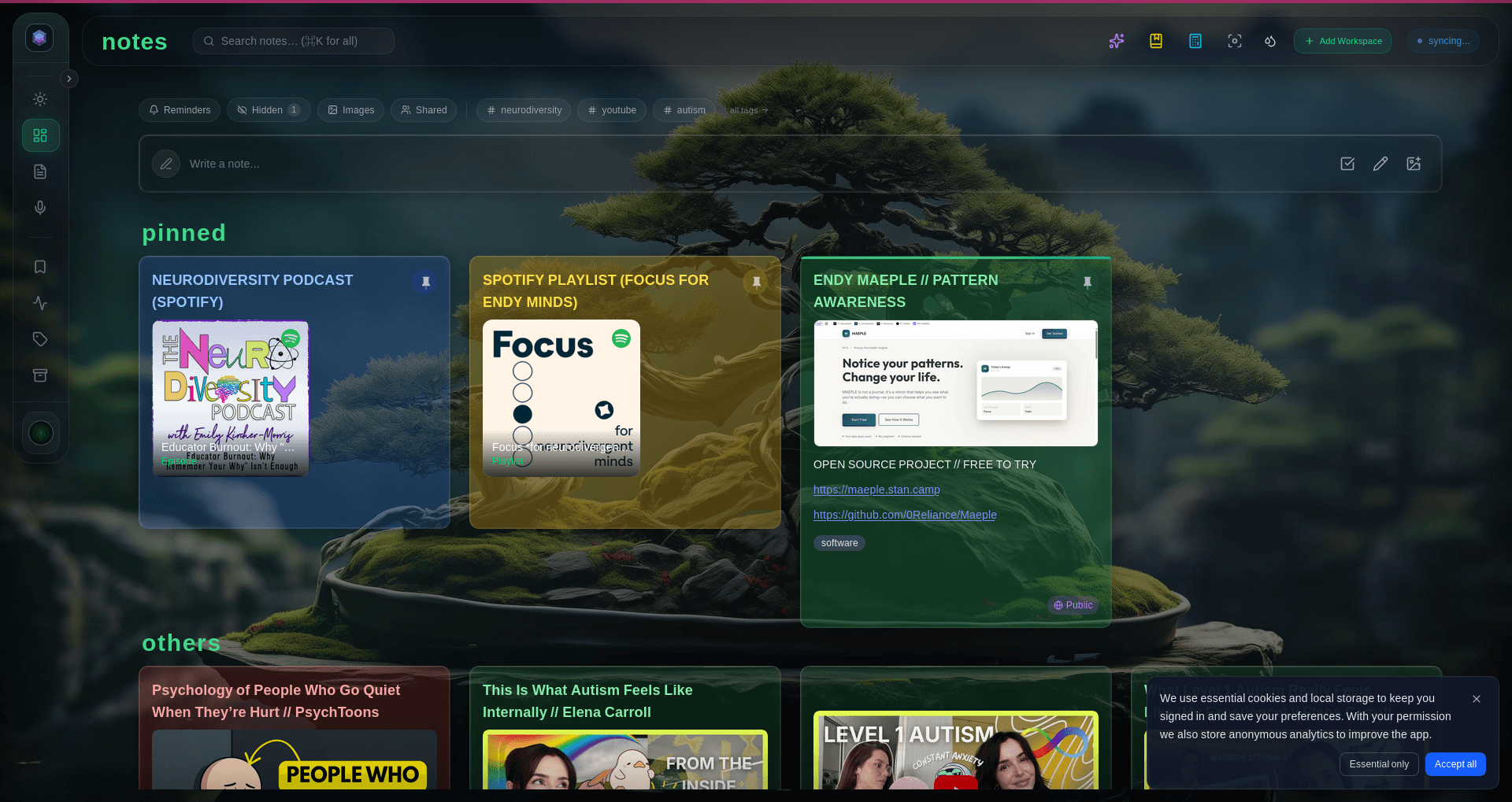
Forty-two tools, four prompts, nine resources
The server exposes forty-two tools on a self-hosted appliance (thirty-seven on our cloud — five are appliance-only): search, read, create note, create bookmark, list tags, get stats, schedule, the vault knowledge graph, durable agent memory, and more. Four prompts provide templates for common workflows — research summarization, link extraction, and end-of-day briefings. Nine dynamic resources expose your tag catalog, recent captures, workspace stats, calendar, and even live vault notes via the glassy://vault/ resource and graph neighborhoods via the glassy://graph/note/ resource.
Stateless transport
Every JSON-RPC message is a separate HTTP POST. No persistent connections, no WebSockets, no state to manage. This makes the server trivially scalable and compatible with any MCP client. On the appliance there are no tool-call rate limits at all — access is authenticated by your MCP token, and the only meter that matters is your own hardware.
Security boundaries
The MCP server runs behind your Glassy authentication. You generate a dedicated MCP key in Settings, scoped to your account. DNS-rebinding protection prevents cross-origin abuse. Rate limits protect against runaway agents. Your data never leaves your Glassy instance — the agent queries it in place.
Getting started
Open Settings in Glassy, navigate to the MCP section, and generate a key. Copy the config snippet and paste it into Claude Desktop, Cursor, Windsurf, OpenCode, Hermes, Openclaw, Pi, or any MCP-compatible client. That is it. Ask your AI assistant about your notes, bookmarks, and research — it will query your real corpus and return answers with citations.