The student workflow has not changed in decades: attend lectures, take notes, read assignments, study for exams. What has changed is the volume of information and the tools available to manage it. Glassy was not built specifically for students, but the research capture loop — save, index, query, cite — maps perfectly onto the academic workflow. Here is how.
1. Capture lectures with Voice Studio
Open Glassy on your laptop during a lecture. Hit record. Whisper — running locally in your browser via WebGPU — transcribes the audio in real-time. No cloud, no API costs, no "your recording is being processed" delay. The transcript appears as you record.
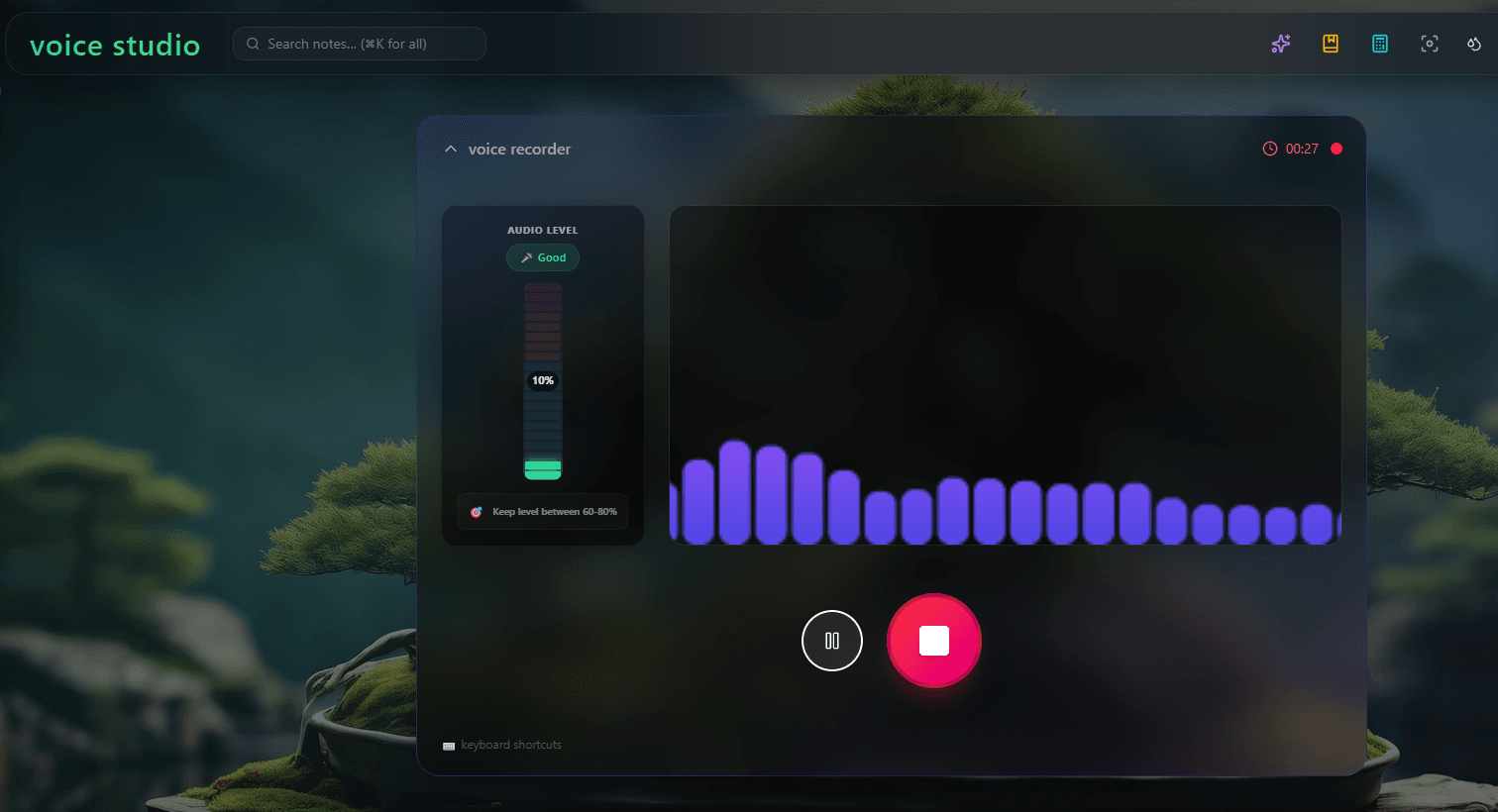
When the lecture ends, you have a full transcript saved as a Markdown note, automatically tagged and indexed. You can search it by keyword or by meaning. "What did the professor say about mitochondrial membranes?" returns the relevant paragraph even if the exact phrase "mitochondrial membranes" was never used — the professor said "the inner membrane of the mitochondrion" and semantic search caught it.
See local AI vs cloud AI for the technical details on how Whisper runs in the browser.
2. Capture readings with the browser extension
Install the Glassy Capture browser extension. When you read an article or paper for class, click the extension. It extracts the full text, metadata, and images, and saves it as Markdown in your Glassy corpus. Eight capture types are supported — including a dedicated Research capture for academic papers with abstract and author extraction.
Your readings are now in the same knowledge base as your lecture transcripts. One search covers everything the professor said and everything you read.
3. Index everything automatically
Every capture — lecture transcripts, reading notes, your own typed notes — is automatically indexed with hybrid search. BM25 catches exact terms (protein names, dates, formulas). Vector search catches conceptual relationships (a lecture about "cellular respiration" matches a reading about "ATP production"). You do not tag, categorize, or organize anything. The index builds itself.
4. Query with your AI assistant or agent
Connect Glassy to Claude Desktop, Cursor, Windsurf, OpenCode, Hermes, Openclaw, Pi, or any MCP-compatible client. Now you can ask your AI assistant about your entire semester:
- "Summarize everything from the last three lectures on quantum entanglement."
- "What is the relationship between what the professor said about Bell's theorem and what I read in the Nielsen-Chuang textbook chapter?"
- "Generate practice questions based on my lecture notes from weeks 6-10."
- "What topics did I capture but never write notes about?"
Your AI assistant queries your actual corpus via MCP and returns answers with citations — "According to your lecture transcript from October 14..." — so you can verify everything against the original source.
5. Cite your sources
When writing papers, the same MCP connection helps you find and cite sources. Ask your AI assistant: "Find all my notes that discuss the methodology of the Milgram experiment." It returns ranked results from your corpus with source URLs and note titles. You cite with confidence, knowing the source is in your knowledge base.
The full workflow
| Stage | Tool | Output |
|---|---|---|
| Lecture | Voice Studio (Whisper) | Transcript note, auto-tagged |
| Reading | Browser extension | Article/paper as Markdown |
| Personal notes | Glassy editor | Markdown note, auto-indexed |
| Indexing | Automatic (BM25 + vector) | Hybrid search index |
| Study / review | Claude Desktop (MCP) | Answers with citations |
| Paper writing | Claude Desktop (MCP) | Source discovery + citations |
Why not just use Notion or Evernote?
Notion is a fine editor, but it has no MCP server, no local AI, and no semantic search. You cannot ask Claude about your Notion notes. See Markdown vs Notion. Evernote has OCR and email-to-note, but no AI agent integration and no hybrid search. See Glassy vs Evernote. Neither tool closes the loop from capture to query to citation.
Privacy for sensitive content
Lecture recordings and personal notes are sensitive. Glassy's local AI means your audio is transcribed in your browser — it never goes to a cloud speech-to-text API. Your notes are indexed locally. The only thing that goes to the server is the search query when you use MCP, and that goes to your Glassy instance, not to a third party. See privacy-first AI in practice.