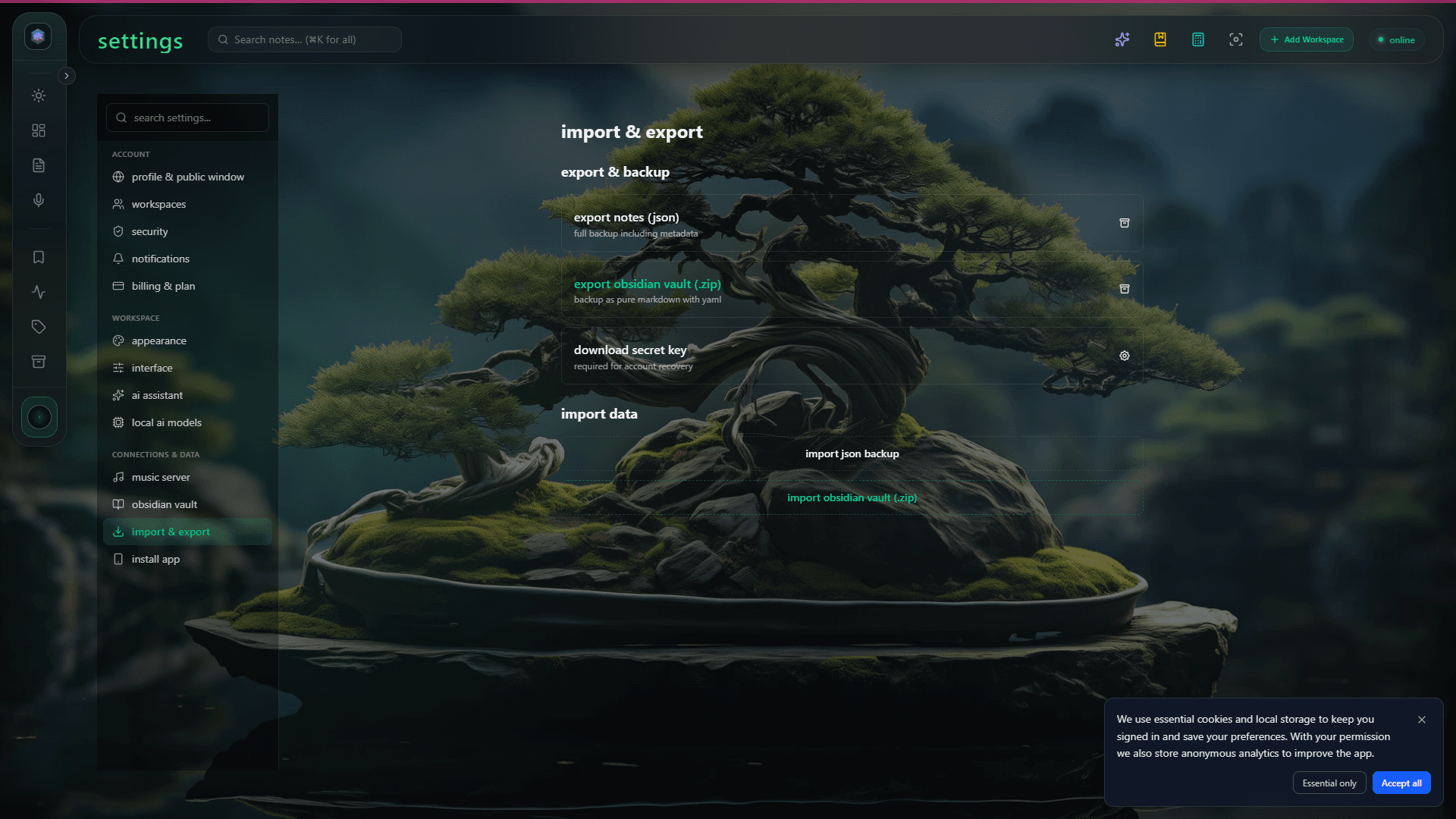
Obsidian is the best local Markdown editor. Glassy is the best web-native workspace for thinking. Together, they give you both worlds: the speed and privacy of a local vault, plus the accessibility and AI of a web app.
Two-way sync that respects your vault
Glassy reads your vault and preserves every folder, wikilink, and frontmatter field. When you edit a note in Glassy, it syncs back to your vault as plain Markdown. When you edit in Obsidian, Glassy picks up the change. No proprietary format. No lock-in. Your files stay as files.
Browse from any browser
Once your vault is connected, you can browse, search, and edit from any browser — your laptop, your phone, a library computer. The vault browser shows your folder tree, tag pane, and graph view. It feels like Obsidian, but in the browser.
AI on top of your vault
Glassy indexes your vault for hybrid search — BM25 plus vector. You can search by exact phrase or by meaning. Local AI can summarize notes, suggest tags, and answer questions about your vault content. The MCP server exposes your vault to Claude, Cursor, Windsurf, OpenCode, Hermes, Openclaw, Pi, and any MCP-compatible AI agent, so you can query it from the tools you already use.
Open Settings, navigate to Integrations, and connect your Obsidian vault path. Glassy scans the vault, indexes it, and makes it available in the workspace. The initial index takes a few minutes for large vaults. After that, sync is incremental and fast.