The MCP landscape has exploded. Obsidian has 64+ community MCP servers. Notion has 78+ including an official hosted server. Glassy has one built-in server. More options sounds better, but in practice the abundance creates confusion. Which server do you install? Which one is maintained? Which one actually works with your workflow?
The three approaches
1. Obsidian: 64+ community servers
Obsidian's local-first, plugin-friendly architecture spawned a vast MCP landscape. Anyone can write a server that reads Markdown files from a vault folder. The result is 64+ implementations ranging from minimal file readers to full-featured semantic search servers.
Strengths:
- Choice — pick the server that fits your needs (minimal, semantic, graph-aware)
- Local — your vault never leaves your machine
- Open source — audit and modify the code
- Works with any MCP client (Claude Desktop, Cursor, Windsurf, OpenCode, Hermes, Openclaw, Pi, Zed)
Limitations:
- Requires Obsidian running on your desktop — no mobile, no remote access
- Setup tax — install Node.js, clone a repo, configure paths, manage processes
- Quality varies wildly — some servers are production-grade, others are weekend hacks
- No hybrid search — most servers do keyword search only, not BM25 + vector
- No built-in capture pipeline — you still need separate tools to get content into your vault
- Fragmentation — 64 servers means 64 different tool surfaces, no standard schema
2. Notion: Official hosted server
Notion invested in MCP early. They ship an official hosted server — no self-hosting required — plus 78+ community implementations. The hosted server is optimized for token efficiency, returning Markdown-based content rather than raw API JSON.
Strengths:
- Zero setup — hosted, no installation or process management
- Token-optimized responses — Markdown instead of JSON
- Official support and maintenance
- Works remotely — no desktop app required
Limitations:
- Cloud-only — your data goes through Notion's API to reach the AI agent
- Block-based format — content is translated from Notion's JSON blocks to Markdown on the fly, adding latency
- No local AI — all processing happens server-side
- Rate limits tied to Notion API quotas
- Lock-in — your knowledge lives in Notion's proprietary database, not portable files
3. Glassy: Built-in server
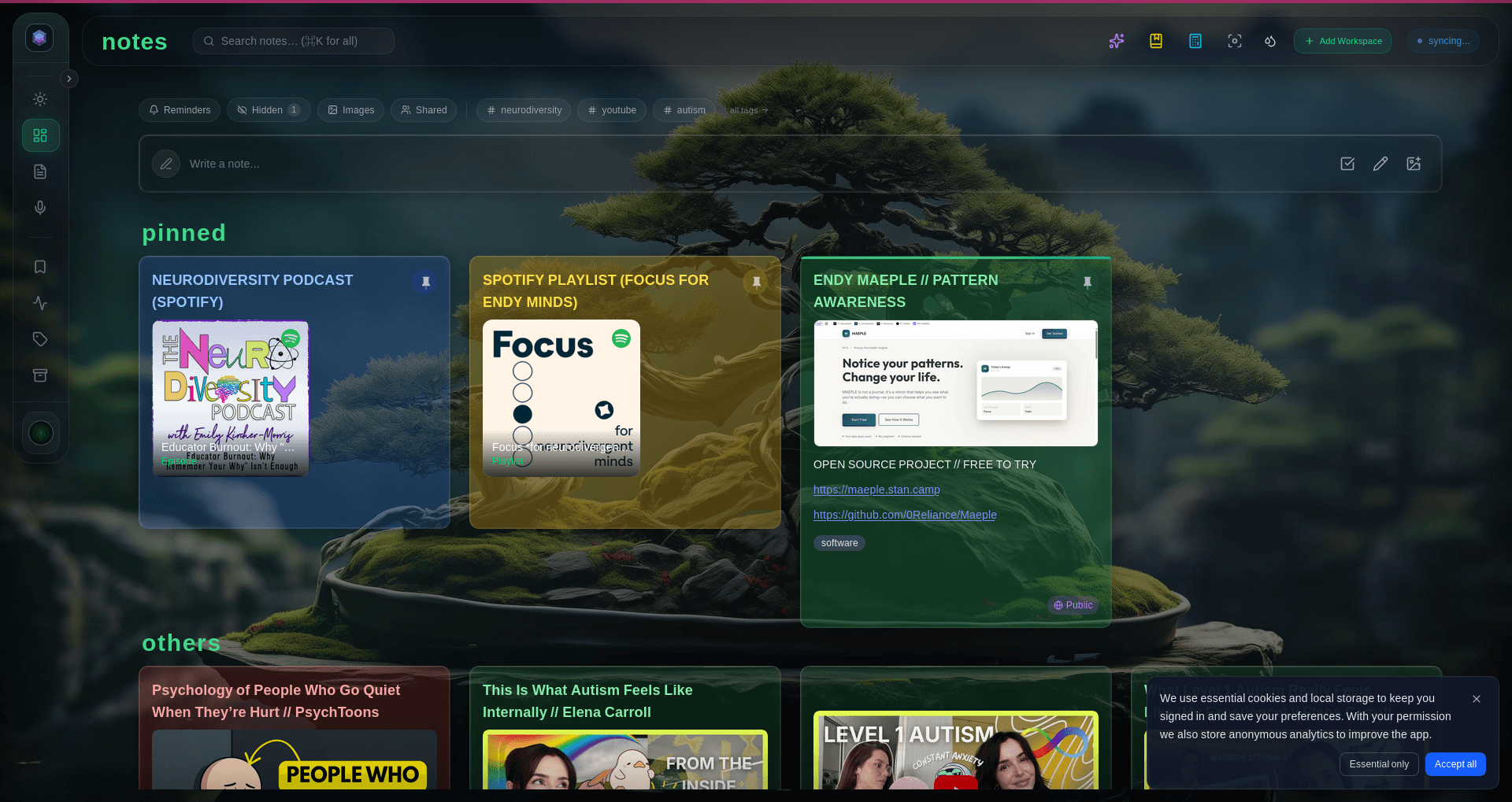
Glassy ships with a built-in MCP server. No separate process, no community plugin, no terminal setup. Generate a key in Settings, paste a config snippet into Claude Desktop, Cursor, Windsurf, OpenCode, Hermes, Openclaw, Pi, or any MCP-compatible client, and your entire knowledge base — bookmarks, notes, documents, and Obsidian vault files — is queryable.
Strengths:
- Zero setup — key generation and config snippet in the UI, 2-minute setup
- Hybrid search — BM25 + vector with Reciprocal Rank Fusion, not just keyword
- Stateless HTTP transport — no persistent connections, works behind any firewall
- Obsidian proxy — query your vault through Glassy without a separate Obsidian MCP server
- Capture pipeline — browser extension, voice, and RSS feed directly into the same corpus
- Markdown-native — your content is already in the format LLMs prefer
- Works remotely — hosted, no desktop app required
- Rate limiting per user, not per IP — fair and predictable
Limitations:
- Hosted — your corpus lives on Glassy's server (self-hosted Clear option available)
- One server, not 64 — less choice in tool surface, but consistent quality
- Self-hosted appliance: no tool-call rate limits at all — deep agentic loops run unthrottled
Feature comparison
| Feature | Obsidian (community) | Notion (official) | Glassy |
|---|---|---|---|
| Setup time | 30+ min | 5 min | 2 min |
| Hybrid search | Rare | No | Yes (BM25+vector) |
| Remote access | No (needs desktop) | Yes | Yes |
| Obsidian vault proxy | N/A | No | Yes |
| Capture pipeline | Manual | Web clipper | Extension + voice + RSS |
| Data format | Markdown files | Proprietary JSON | Markdown |
| Local AI | Via plugins | No | Yes (WebGPU) |
| Self-host option | Always | No | Yes (Docker) |
| Transport | stdio | HTTP (hosted) | HTTP (stateless) |
The mobile gap
Most MCP servers require the host desktop application to be running. An Obsidian MCP server needs Obsidian open on your desktop. This means mobile workflows — where most professionals capture on the go — are entirely excluded from MCP.
Glassy's stateless HTTP transport solves this. The server runs on Glassy's infrastructure (or your own Docker host), not as a local process. You can query your knowledge base from any MCP client that supports HTTP transport, regardless of whether your desktop is online.
Which one should you use?
Use an Obsidian community server if: You are a developer who wants full control, you always have Obsidian running on your desktop, and you are comfortable managing Node.js processes. The local-first approach is unbeatable for privacy.
Use Notion's official server if: Your team already uses Notion, you need real-time collaboration on databases, and cloud hosting is acceptable for your content.
Use Glassy if: You want MCP without infrastructure management, you need hybrid search across bookmarks and notes (not just vault files), you want browser extension capture flowing into the same queryable corpus, and you want it to work from any device, not just your desktop.